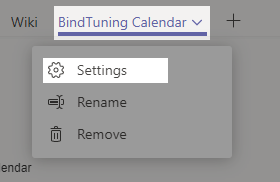
- Open the Team on Teams panel that you intend to delete the Web Part;
-
Click on the Settings button.
-
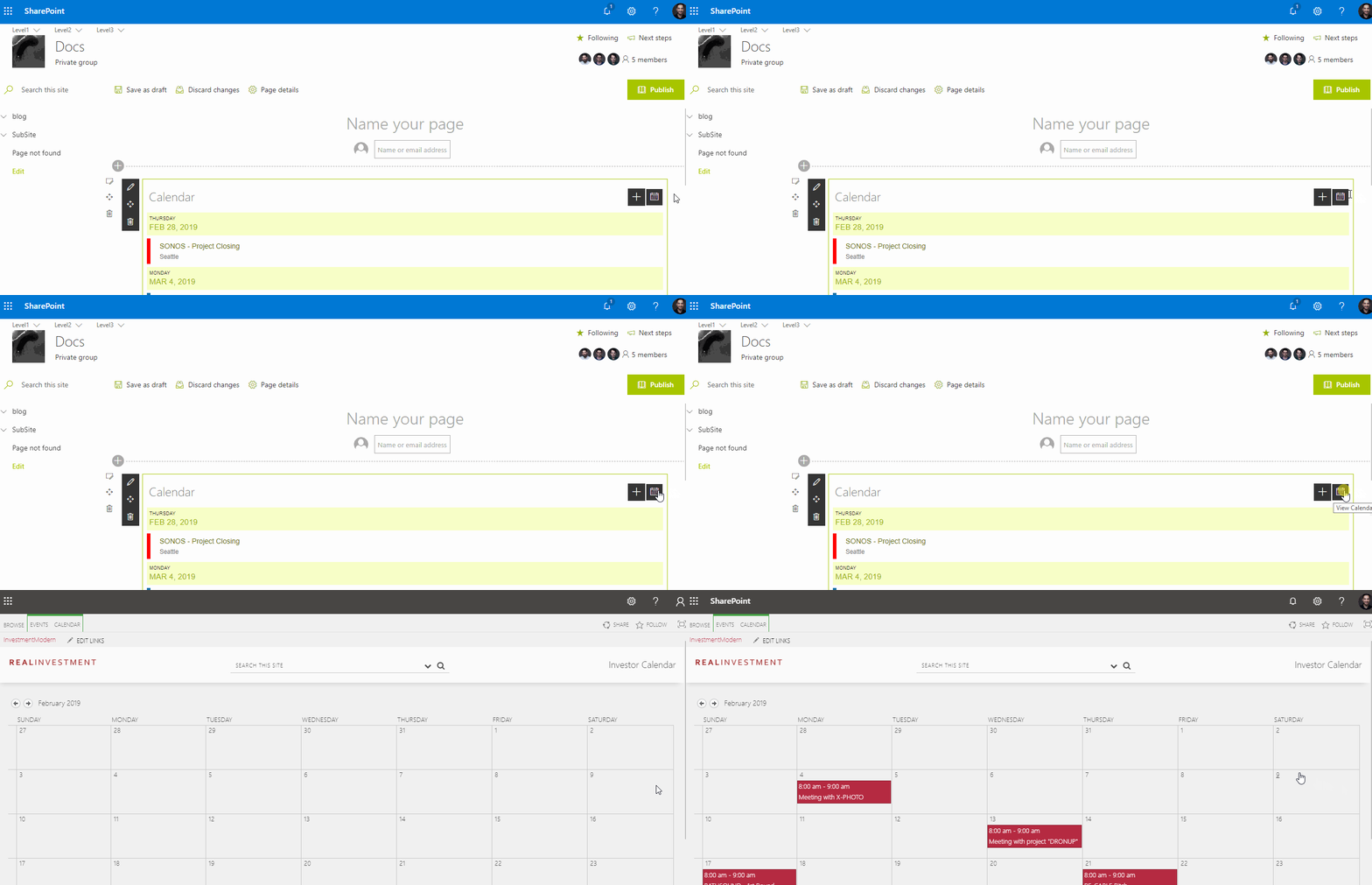
Click on the View Calendar icon;

-
The Calendar view will open with all your events;
-
If you want to delete an event, click on it and the select Delete Event, in the top menu.
