Connected on List Picker
-
Click on the Edit button;

-
Mouse hover the Web Part and click on the [+] button to add a new Event
- Fill out the form that pops up. You can check what you need to do in each section on the Calendar;
-
After setting everything up, click on Save.

Directly on the Calendar list
-
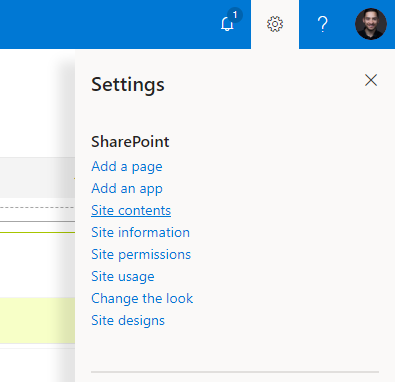
Open the settings menu and click on Site Contents;
-
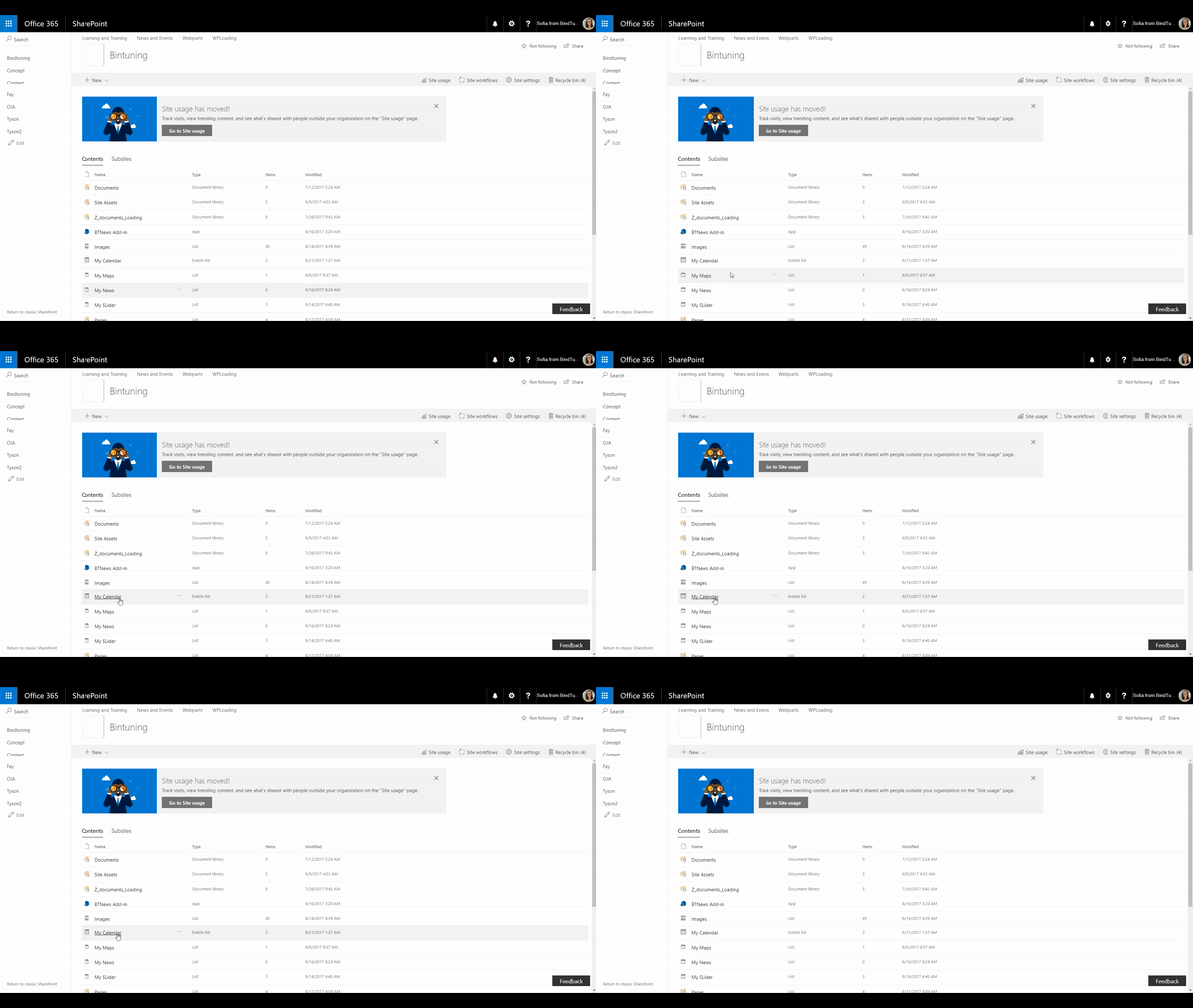
Look for your Calendar list and open it;
-
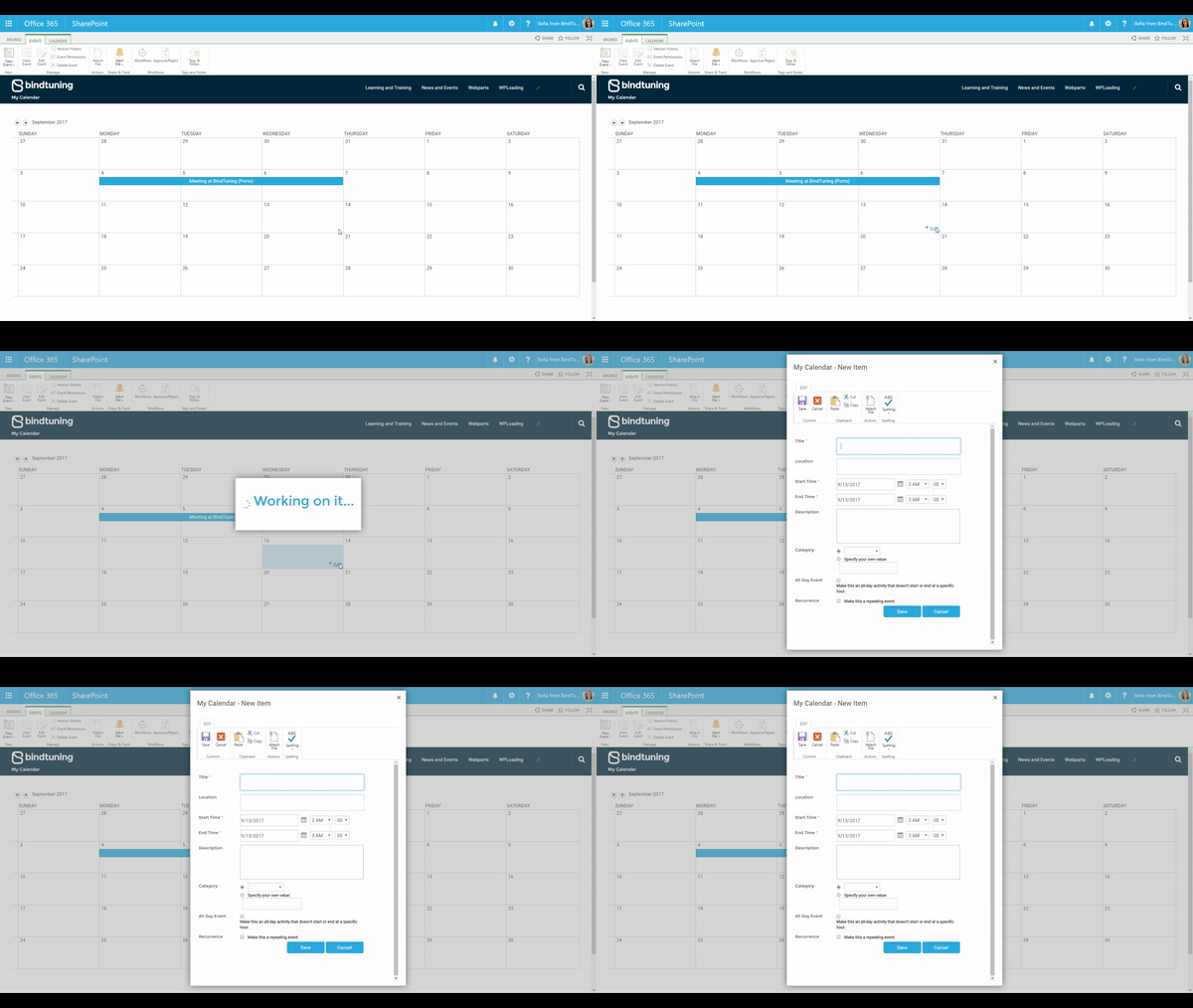
Then, search for the day where you want to add an event, and click on Add.
-
Fill out the form that pops up. You can check out what you need to do in each setting in the Calendar section of this User Guide;
- After setting everything up, click on Save.